 |
| Very good tutorial. Easy to follow with instructions very clear. The pictures went with the tutorial well and was not complicated at all. A+ |
Wednesday, May 28, 2014
Photoshop Critique

Friday, May 9, 2014
Photoshoping snow
 |
| For this assignment, I followed the tutorial and put snow into the picture http://www.photoshopessentials.com/photo-effects/photoshop-weather-effects-snow/ |
Thursday, May 1, 2014
Photoshop review
For this assignment, I created a rectangle and filled it back with a green stroke. I then placed 3 pictures and postioned them evenly on the top. I lastly put text on the file and stroked it with green as well.


Thursday, April 24, 2014
Instagram photo
 |
| For this assignment, I used multiple levels and colors to make the "instagram" look. http://abduzeedo.com/quick-tips-instagram-your-images-using-photoshop |
License plate
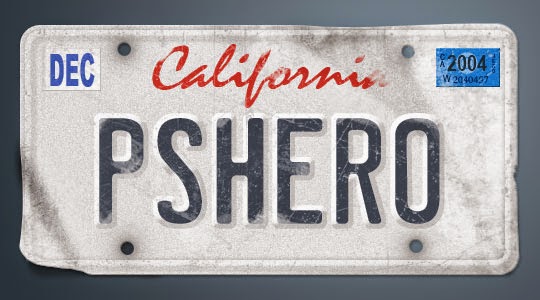 |
| For this assignment, I used the shape and text tool to create my own license plate. http://pshero.com/photoshop-tutorials/graphic-design/vanity-license-plate |
Barcode
 |
| For this assignment, I used multiple adjustments and shape tools to create my own bacode. |
Tuesday, April 22, 2014
Portrait Photo To Pencil Sketch
 |
| For this assignment, I used several layers to change her origninal portrait to a pencil sketch. http://www.photoshopessentials.com/photo-effects/portrait-photo-pencil-sketch-photoshop-cs6/ |
Wednesday, April 16, 2014

Monday, April 7, 2014

The Splash effect
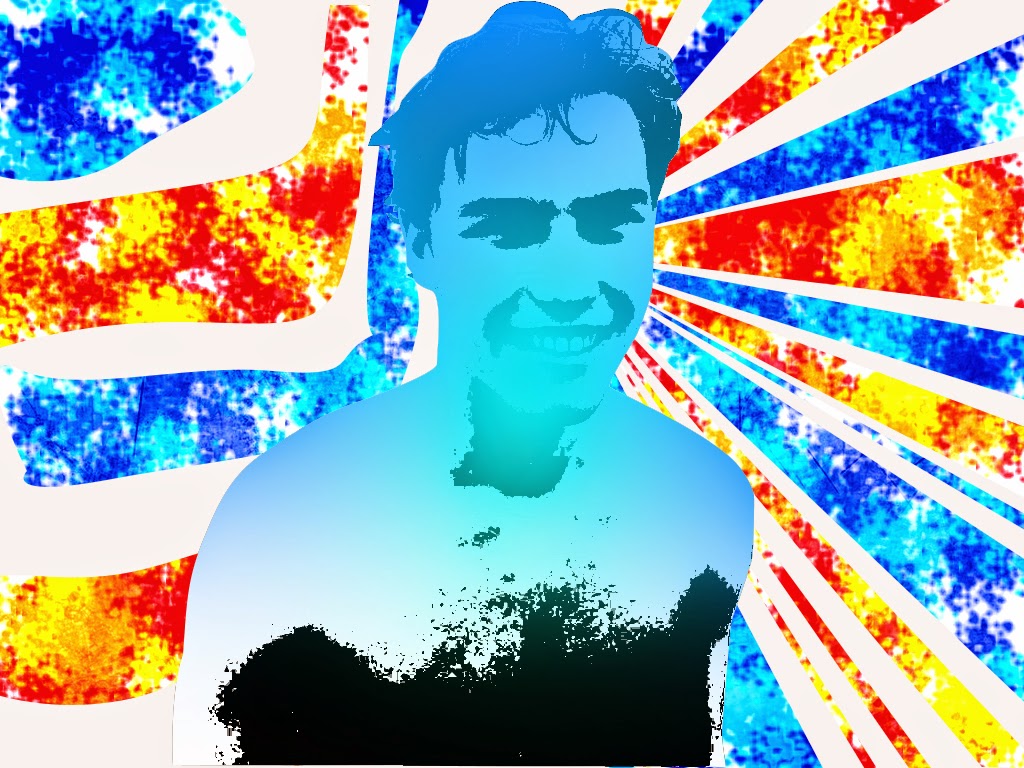 |
| For this assignment, I adjusted different layers and used the pen tool to trace a photo of myself. I then created different paths to "splash" color onto. |
Monday, March 31, 2014
Landscape effect
 |
| For this assignment, I used multiple adjustments and layers to make a landscape look like an early morning sunrise. |
Friday, March 28, 2014
Black and white
 |
| For this assignment, I made a copy of the flower, put it on black and white, and started erasing the copy. |
Thursday, March 27, 2014
Samual Jackson
 |
| For this assignment, I used multiple image customizations to create this. I adjusted the Hue and Saturation levels and also added a bit of an oil painting feel to it. |
Wednesday, March 26, 2014
Creating Rain in photoshop
 |
| For this assignment, I downloaded a cloudy picture. I then used render fibers to create the rain illusion. I then added motion blur to make it less obvious. I then finished off with adjusting the opacity. |
Monday, March 24, 2014
Silhouette Project
 |
| For this project, I took a picture from the internet. I then used the pen tool to trace around it. I then filled it with black. I then selected the path's inverse and deleted the backround. I then inported a new backround and added text. |
Monday, March 17, 2014
Hair flame
 |
For this assignment, I used the smudge tool to make the shape of fire. I then quick masked the selection and changed up the color balance |
Friday, March 7, 2014
Tuesday, March 4, 2014
Obama gif
 |
| For this project, I used animation to create a gif. I used multiple pictures and manipulated the frames to be able to create this. |
Monday, March 3, 2014
Annimation how-to
 |
| For this assignment, I created a annimation using photoshop I turned layers on and off to create frames. I then edited these frames and how long they would last. |
Subscribe to:
Posts (Atom)